How to share your information
| | You can share your information with us online. | |
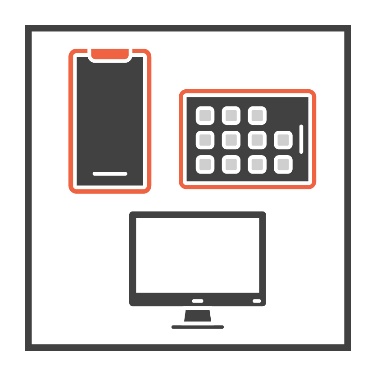
| | You can do it from your:
| |
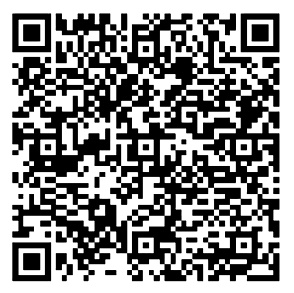
| | You can scan the QR code. It will take you to our page on the CanYou website. app.canyou.com.au/apply/52c0ee37-a98f-4233-a222-b189fbfcbcfd | |
| | You will need to type in your:
| |
| | Then you can select ‘Send email’. | |
| | You will get an email from Cultural Perspectives. It will go to the email address you put in at the start. | |
The email will ask you to: | ||
| | confirm this is the right email address | |
| | log in. | |
| | There will be a link in the email. The link will take you to another page to set up your profile. | |
| | On this page you can also fill out some forms, including the:
| |
| | You can also share your bank account details on this page so we can pay you. | |